G2 Unboxing & Boxing
Recommended Reading
G2 Unboxing
- Open the two latches on the side of the flight case.
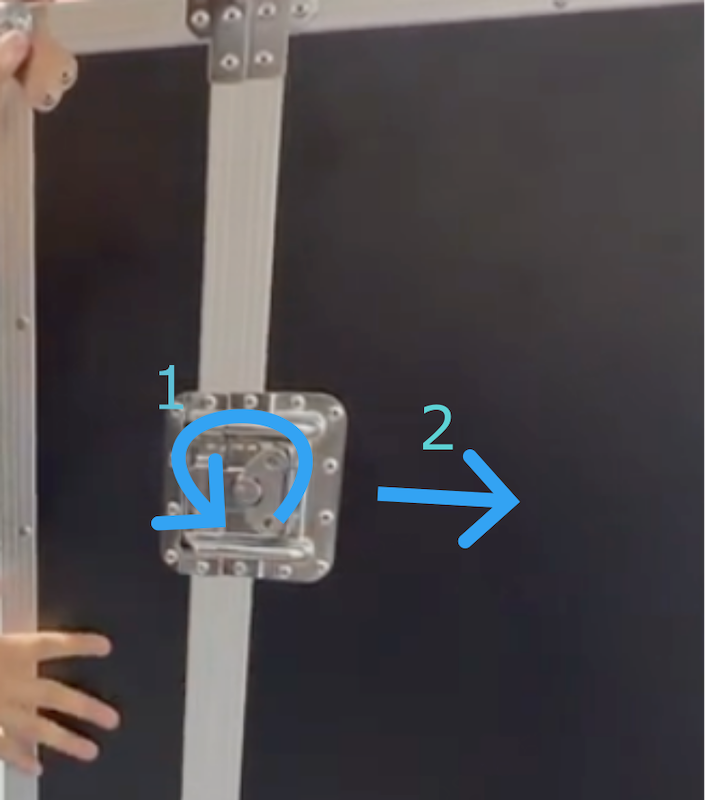
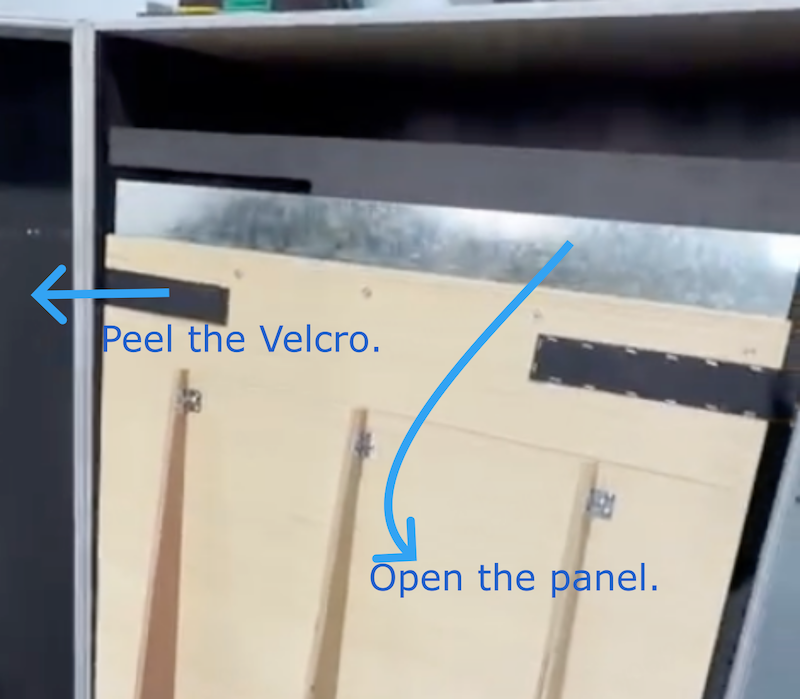
- Remove the foam protector.
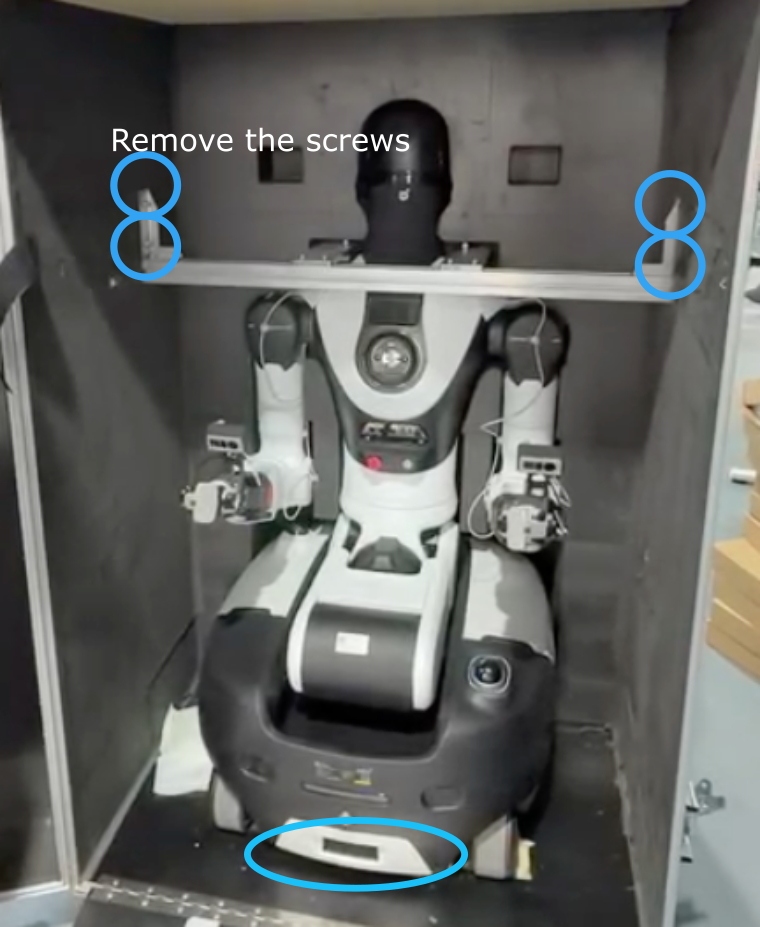
-
Remove the screws and set them aside in a safe place.
-
Gently lift the robot chassis and pull it outward, making sure the wheels clear the grooves (two people recommended).
-
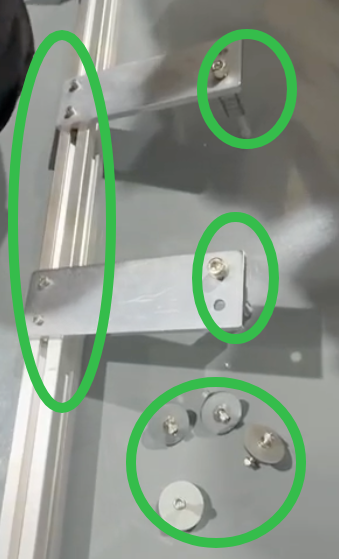
Remove the two screws from the robot’s shoulder and remove the metal bracket.
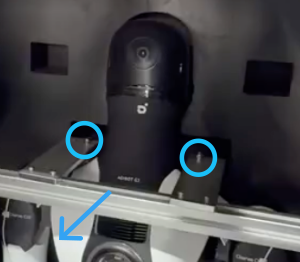
-
Roll the robot out of the flight case.
-
Remove the metal connector from the robot’s shoulder and store it safely.
G2 Boxing
-
Power on the robot and connect the pad.
-
Go to Joint Control on the dock, check whether a pose named
”Boxing”exists, and restore it. (Maintain a safe distance from the robot.)
If no boxing pose is available, swipe down from the top of the screen to open ⚙️ Settings, go to APPS, find the application named
”运维工具”, then tap the third button named”一键装箱姿态”to restore the pose.
-
Install the metal connectors on the robot’s shoulder, then install the metal brackets.
-
Position the flight case in front of the robot. Secure the wheels of the flight case, open it, and lower the panel.
-
On the pad, open Remote Control Walking, push forward, and align the wheels so they are parallel.
-
Follow the shutdown procedures to turn off the robot. Note: The wheels must remain parallel during shutdown.
-
Push the robot into the flight case (two people recommended).
-
Install the metal bracket, then follow the unboxing steps (above) in reverse to close the flight case.