FAQ
Recommended Reading
1. The device has been bound
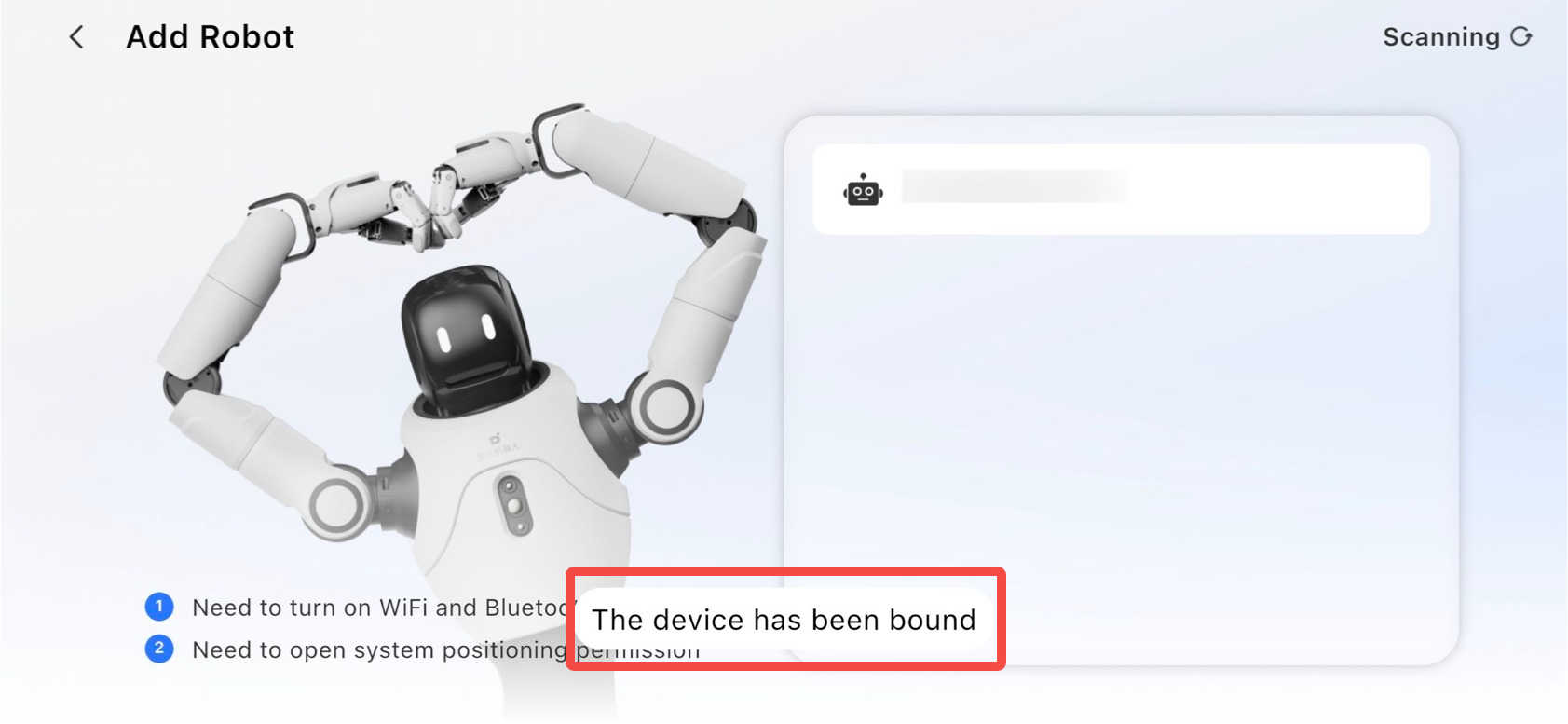
⚠️ Important Notes on Robot Connection After Introducing Organizations:
-
If the robot already belongs to an organization and your account is not part of that organization, contact the organization Owner or Admin to add your account, then reconnect.
-
After the v0.9 update, the system automatically creates a dedicated organization for each robot you previously bound. All accounts that were ever bound to that robot are automatically added to the corresponding dedicated organization. For security reasons, your role is set to “Member”, and you cannot add or remove devices. To adjust device ownership, contact us by submitting this contact form.
-
For organizations automatically assigned after the v0.9 update, you may stay in or choose to leave. If your robot is assigned to a single unique organization, please exercise caution before leaving it — leaving will result in loss of access to the robot and you will no longer be able to use it.
2. Cannot find the robot in LinkSoul / LinkCraft
Two most likely reasons:
Check the product firmware version
Note: Binding agents with versions below A2-1.3/X2-0.9 is not supported
| Product Model | Supported Version |
|---|---|
| AGIBot A2 - Flagship Version | v1.3 and above |
| Agibot X2 - Flagship Version & Lite Version | v0.9 and above |
If the device firmware is lower, refer to the upgrade instructions to update the version.
Check your OMP server site
See this page and make sure your robot, LinkCraft, and LinkSoul are all on the same region.
3. Always initializtion when bind agent to robot in LinkSoul
Detailed solutions are listed in the LinkSoul introduction page, please kindly refer to this page
Read Next
FAQ
OMP Servers