Products
X2 Omnihand Installation
Version: v1.0Release Date: 2026-06-09X2 Ultra & Omnihand
Recommended Reading
Preparations
If the dummy hand is installed, refer to this link to remove the dummy hand. You will also need to remove the terminal resistor:
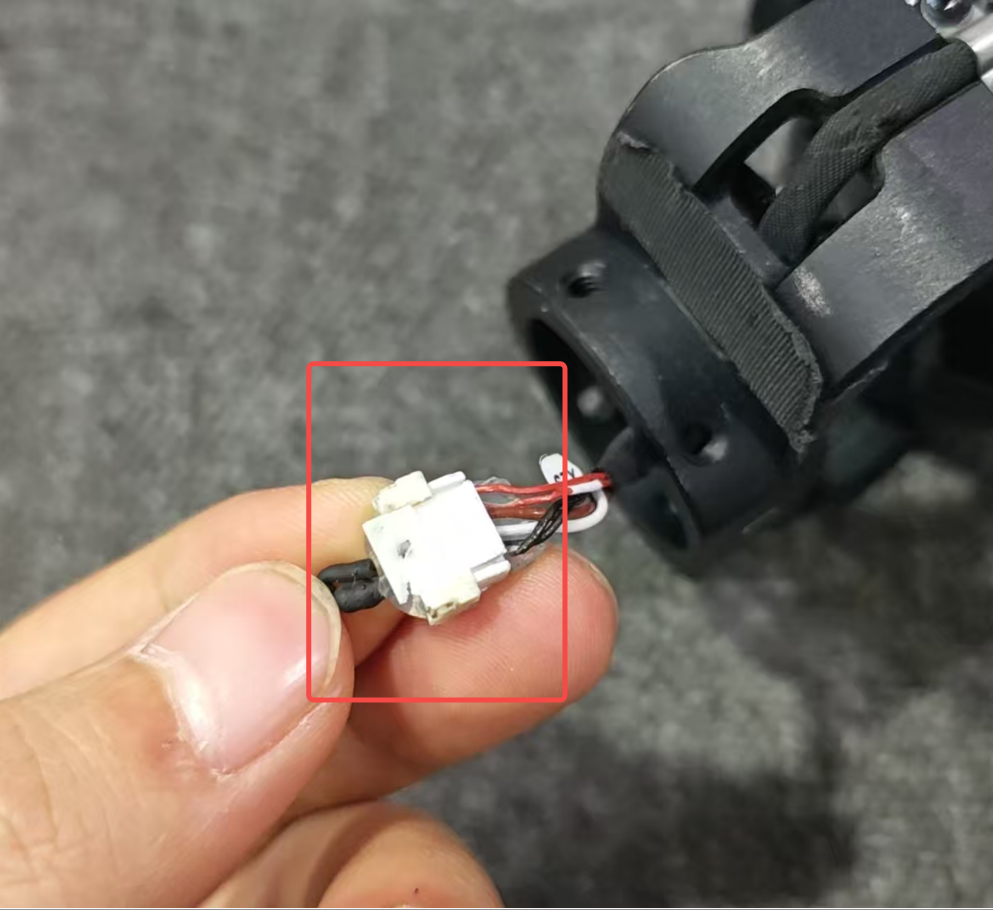
Connect the Omnihand
Be careful with the cables during installation to avoid damaging them and causing poor contact.
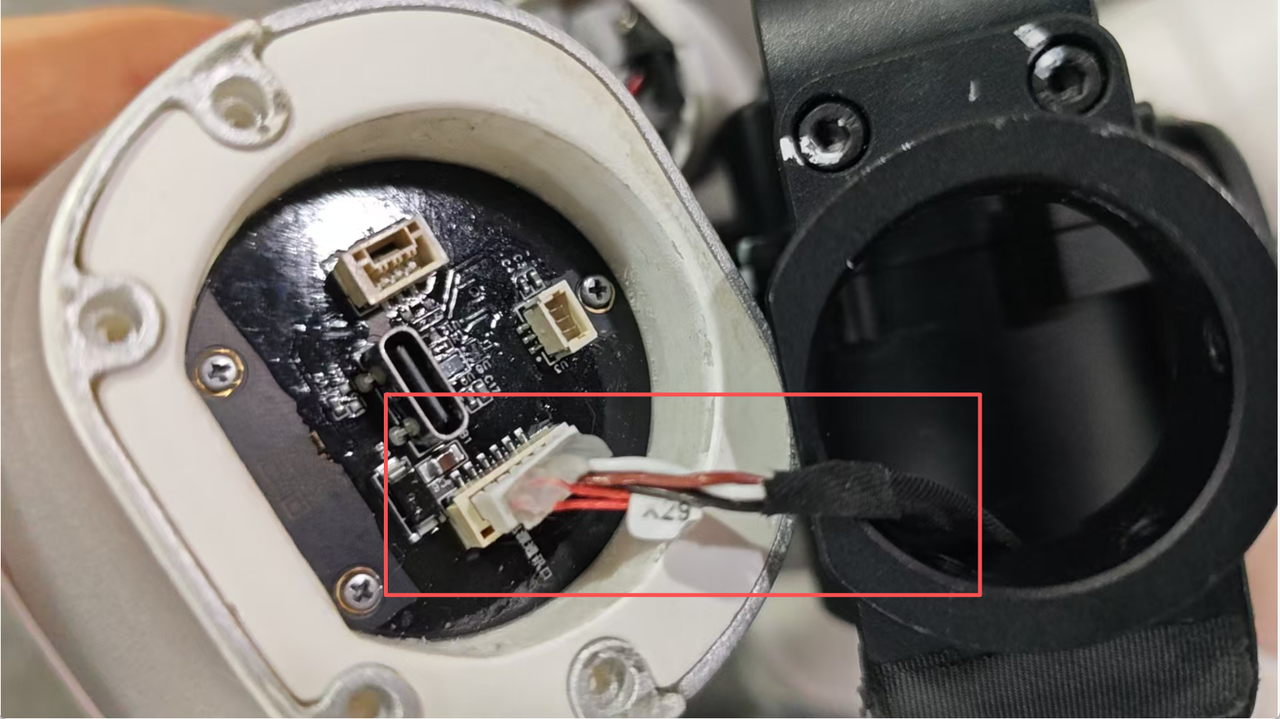
Attach the Omnihand to the robot’s end-effector, and be sure to distinguish between the robot’s left and right hands.
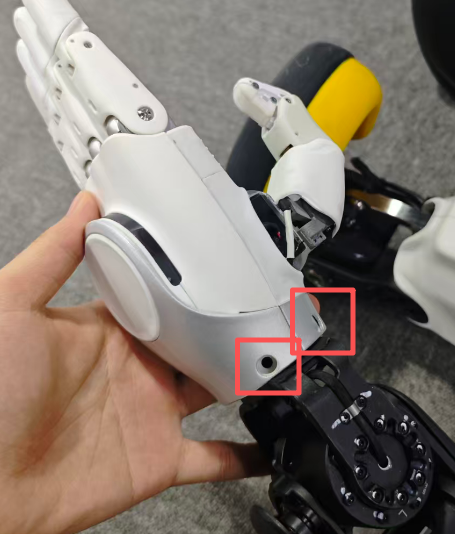
Boot your robot
After installing the Omnihand, avoid actions such as standing up from a lying position, standing up from a prone position, and performing dance moves, to prevent damage to the Omnihand.
Then perform some actions — for example, make a fist — to check if it is working properly.